How to Replace Microsoft Teams with Nextcloud: A Step-by-Step Guide

Yes, a team can replace Microsoft Teams with Nextcloud. Nextcloud Talk handles chat, audio and video calls, and screen sharing, while Files, Calendar and Contacts take over from OneDrive, SharePoint and Outlook. To make the switch work, you need to map out how your team actually uses Teams, size your video setup, migrate files and calendars, and then support your team through the change. This guide walks through each step on a private server hosted in France.
Key takeaways:
- The CNIL, France's data protection authority, asks every organization to list the data transfers outside the EU that its digital tools involve, including collaboration suites like Office 365.
- Nextcloud Talk offers chat, audio and video calls, and screen sharing, with web, desktop, Android and iOS apps.
- Without the High-Performance Backend, the Nextcloud documentation puts the limit at around 20 participants per call. With it, you can reach 30-50 active participants or more.
- To migrate Outlook calendars, export them as .ics files, which the Nextcloud Calendar app imports directly.
- A successful switch relies on a detailed inventory of how you use Teams, a test meeting and a cutover date announced in advance, not an abrupt shutdown.
Table of Contents
- Why are French teams leaving Microsoft Teams?
- Which Teams features does Nextcloud replace, and with which app?
- What server and bandwidth do you need for video calls?
- How do you prepare the migration without disrupting your team?
- How do you migrate from Teams to Nextcloud, step by step?
- How do you transfer files and Outlook calendars?
- How should you organize chat and meetings in Nextcloud Talk?
- How do you communicate with external clients and partners?
- Yundera: Nextcloud and Talk ready to use on your private server
- The most common mistakes when leaving Teams
- Sources
- Frequently Asked Questions
Why are French teams leaving Microsoft Teams?
French teams are leaving Microsoft Teams for three main reasons: GDPR compliance for data transfers, dependence on the Microsoft 365 ecosystem, and the example set by the French government. None of these calls for a rushed decision, but each one deserves a closer look.
- GDPR compliance: the CNIL points out that every organization must check that its data transfers outside the European Union are lawful, especially transfers to the United States. It also notes that providers based in Europe may themselves rely on providers outside the EU, and cites Office 365 as an example. Hosting data in Europe doesn't solve everything.
- Commercial dependence: on September 12, 2025, the European Commission accepted Microsoft's commitments, closing the case opened in 2023 over the bundling of Teams with Office 365 and Microsoft 365. The commitments run for seven years, and ten years for interoperability and data portability. This confirms that leaving Teams is first and foremost a portability issue.
- A public signal: on January 26, 2026, the French government announced the rollout of Visio across all ministries. Visio is a video conferencing tool built by DINUM, the French government's digital agency. By 2027, access to Teams, Zoom and Google Meet will be technically blocked on the interministerial network.
Pro tip: before choosing a replacement, list the tools that send your data outside the EU, as the CNIL recommends. This inventory will also serve as the foundation for your migration plan.
Which Teams features does Nextcloud replace, and with which app?
Nextcloud covers most of what Teams does by spreading its features across several apps: Talk for communication, Files for documents, Calendar and Contacts for scheduling, and Deck and Nextcloud Office for collaborative work. Here's how they map, feature by feature.
- Channels and direct messages: Talk conversations, either group or one-on-one, with file sharing in the thread.
- Meetings and calls: Talk audio and video calls, with screen sharing.
- Team files (SharePoint, OneDrive): Nextcloud Files, with shared folders for each group and a desktop sync client.
- Outlook calendar: the Calendar app, which handles shared calendars and imports .ics files.
- Address book: the Contacts app.
- Planner: Deck, with task boards organized in columns.
- Word and Excel online: Nextcloud Office, for co-editing documents in the browser.
Talk runs in the browser, with a desktop client and apps for Android and iOS. Everyone can keep working the way they do now, on both computer and phone.
There are real gaps. Third-party integrations specific to the Microsoft ecosystem don't always have an equivalent, the business phone system built into Teams requires a separate solution, and users need a few weeks to change their habits. To compare Nextcloud with other options, see our overview of Microsoft Teams alternatives.
Pro tip: list the Teams connectors and bots your team actually uses. More than chat or video, these are what determine how much effort the migration will take.
What server and bandwidth do you need for video calls?
For a small team, a standard Nextcloud server is enough. Beyond about twenty participants per call, you need a High-Performance Backend, and what matters most is each participant's upload bandwidth. The official Nextcloud Talk documentation describes two setups.
- Without a dedicated backend: each participant sends their video stream directly to everyone else. Expect about 1 Mbit/s × (participants − 1) of upload bandwidth. On a 6-person call, each person uploads about 5 Mbit/s. Audio-only streams use about 50 kbit/s each. The documentation estimates that around 20 users are possible in a typical setup.
- With the High-Performance Backend: an SFU (Selective Forwarding Unit) receives a single stream from each participant and forwards it to the others. Upload bandwidth no longer depends on the number of participants, and a call can typically reach 30-50 active participants or more.
Whatever your setup, a few habits help avoid problems:
- Turn off unneeded cameras: in large meetings, participants who aren't speaking should turn off their video. Switching to audio only greatly reduces bandwidth.
- Use a wired connection: an Ethernet cable is more stable than Wi-Fi for whoever is hosting or sharing their screen.
- Test from home: home internet connections often have limited upload speeds. Check them for remote workers before the switch.
Pro tip: identify your largest recurring meeting, such as the weekly team meeting or the monthly review. Its headcount tells you whether you need the High-Performance Backend from day one.
How do you prepare the migration without disrupting your team?
Preparing a migration takes three things: a detailed inventory of what your team actually uses in Teams, a decision on what to migrate and what to archive, and a short timeline owned by a designated point person. The CNIL already recommends listing your digital tools and the data transfers they involve. That same inventory forms the basis of your migration plan.
- Active teams and channels: keep only those used in recent months. The rest will be archived.
- File volumes: measure the size of each SharePoint or OneDrive library, and note who has access.
- Recurring meetings: record how often they happen and how many people attend. You'll use this to size your video setup.
- Shared calendars: identify the team, room or project calendars you'll need to export.
- External guests: list the clients and partners in your teams. They'll need to be notified.
- Integrations: note the connectors, bots and forms used day to day.
Then sort through it all. Files and calendars get migrated. Old chat history rarely does: an archived export is usually enough. Finally, appoint a point person to answer questions, plan a short period of running both tools side by side, and set a cutover date announced in advance.
Pro tip: announce from the start the date when Teams will become read-only. Without a clear deadline, conversations stay scattered across both tools.
How do you migrate from Teams to Nextcloud, step by step?
Migrating from Teams to Nextcloud takes four steps: take inventory, install Nextcloud with Talk, transfer files and calendars, then move the team over after a test meeting. Each step depends on the previous one, so follow them in order.
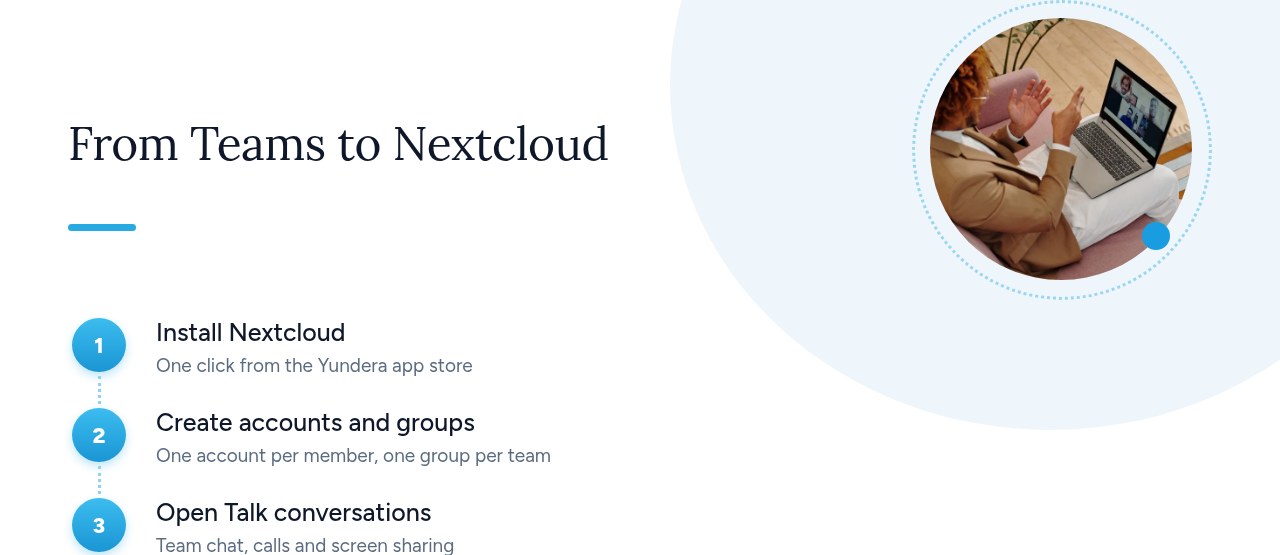
- Take inventory of your Teams usage: start from the list built in the previous section (active channels, file volumes, meetings, calendars, external guests, integrations).
- Install Nextcloud and Talk: create an account for each team member, then a group for each department or project. Link a shared team folder to each group. That way, permissions are managed by group rather than person by person.
- Migrate files and calendars: copy the file libraries into the team folders, then import calendars in .ics format. The next section covers this in detail.
- Switch over and train the team: install the desktop and mobile apps, hold a test meeting with screen sharing, and recreate key conversations in Talk. Then switch over on the announced date.
Checklist before the switch:
- Accounts: every team member has logged in at least once.
- Groups and folders: permissions have been checked with a non-admin account.
- Files: the copied volumes match the inventory.
- Calendars: recurring meetings show up in Calendar.
- Apps: the Talk desktop client and mobile app are installed and notifications are turned on.
- Test meeting: video, audio and screen sharing have been checked, including from home.
Pro tip: move a pilot department over one week before the others. Their feedback will save you from repeating the same mistakes across the whole team.
How do you transfer files and Outlook calendars?
For files, download the SharePoint and OneDrive libraries to a computer, then drop them into the folder synced by the Nextcloud client. For calendars, export each Outlook calendar in .ics format, then import it into Nextcloud Calendar.
- Sync locally: sync each SharePoint or OneDrive library to a computer. Force a full download, because online-only files aren't actually copied.
- Move into Nextcloud: copy the content into the matching team folder inside the Nextcloud client's sync folder. Let the upload finish before touching the files.
- Check: compare the number of files and total volume with your inventory, then test permissions with a non-admin account.
For calendars, the Nextcloud Calendar documentation says importing is the best way to transfer your calendars and their events. It specifies that only iCalendar-compatible .ics files that comply with RFC 5545 are supported.
- Internal calendars: export each Outlook calendar (personal, team or room) as .ics, then import it into the right Nextcloud calendar.
- External calendars: for a calendar published by someone else, such as public holidays or a partner's schedule, use a subscription instead. According to the documentation, it refreshes weekly by default.
For more on the file side, see our guide OneDrive Alternative: Leave Microsoft Without Losing Your Files.
Pro tip: after importing, open three or four recurring meetings and check the time, recurrence and attendees. These are the fields most often broken during an export.
How should you organize chat and meetings in Nextcloud Talk?
The best way to organize Nextcloud Talk is to mirror your company's structure: one group conversation per team or project, open conversations for cross-team topics, and a permanent room for each recurring meeting, along with a few simple usage rules. The goal is to help people find their way without recreating the noise of Teams.
- Team and project conversations: create one group conversation per department or project, with the same members as the Nextcloud group. Close it when the project ends.
- Open conversations: keep these for cross-team topics like IT help, announcements or office life. Anyone can join.
- Direct messages: use them for one-on-one exchanges, not for decisions that affect the whole team.
- One room per recurring meeting: create a permanent conversation for each recurring meeting and paste its link into the matching calendar event. The link stays the same from week to week.
- Files shared from chat: documents sent in a conversation are stored in Nextcloud Files. For working documents, share the file from the team folder rather than sending a copy.
- Notifications: configure each conversation for desktop and mobile, choosing all messages for your own team and mentions only for open conversations.
Finally, write three one-line usage rules: only mention someone when you expect a reply, save mentions of the whole conversation for emergencies, and keep your status up to date (available, away, do not disturb).
Pro tip: pin these rules at the top of the announcements conversation on switchover day. Habits form in the first week.
How do you communicate with external clients and partners?
With Nextcloud, the people you work with outside your organization don't need an account. You just send them a file share link, an invitation link to a Talk conversation or a calendar link. Your data stays on your server, even when you work with clients or partners.
- Files: share a file or folder by link rather than as an attachment. Add a password and an expiration date for sensitive documents, and only grant upload rights when the client needs to send you files.
- Meetings with external guests: make the Talk conversation accessible by link and include that link in the invitation. Guests join the call from their browser, without an account. Protect the link with a password or turn on the lobby for client meetings.
- Calendar: the Calendar app lets you share a calendar by link, for example to publish your availability, without giving access to anything else.
Some organizations work continuously with other organizations, such as professional networks, consortiums or regular partners. In that case, a Matrix server can complement Talk. This open, federated network lets each organization keep its own server while still talking to the others.
Whatever the tool, the CNIL recommends protecting data against the risk of disclosure to public authorities in non-EU countries. This recommendation targets higher education, but it applies to any choice of collaboration tool: anything you share externally should stay hosted on your own infrastructure.
Pro tip: send your clients a short message explaining why you're using Nextcloud links. Most appreciate the approach, and links get lost less often.
Yundera: Nextcloud and Talk ready to use on your private server
Yundera provides a managed private server, the Personal Cloud Server, hosted in France and dedicated to a single customer. Nextcloud installs in one click from the app store, with Nextcloud Talk already enabled: team chat, audio and video calls, and screen sharing. Files, Calendar and Contacts are included, and you can add Deck and Nextcloud Office from the Nextcloud app store. Your team uses the official Nextcloud and Nextcloud Talk apps on desktop, Android and iOS.
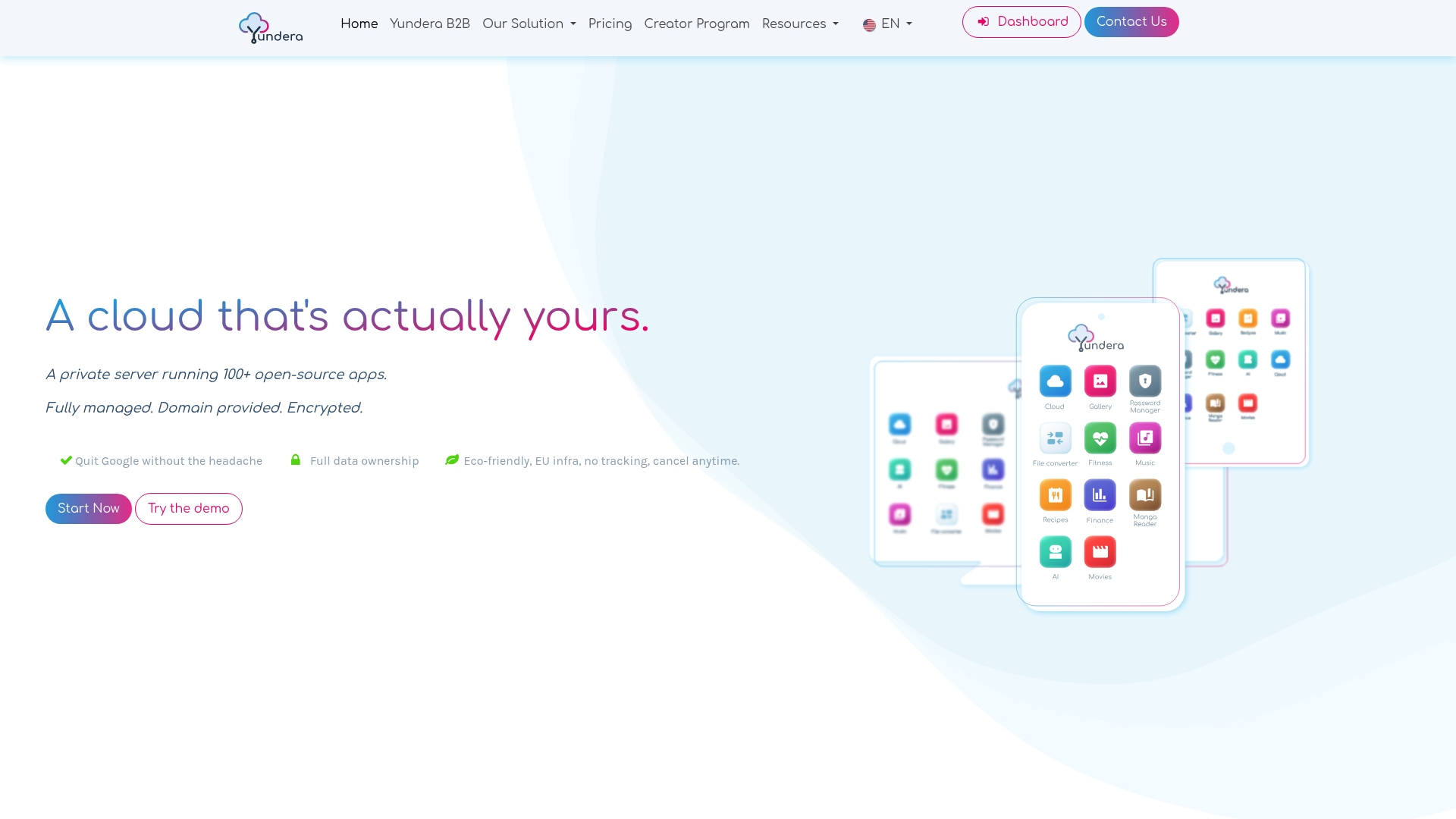
The trickiest part of any migration, group video calls, is already taken care of. Group calls run through the Talk High-Performance Backend (signaling server, Janus SFU and TURN server), which Yundera installs and configures automatically alongside Nextcloud. This lets you avoid the limit of around 20 participants that applies without a dedicated backend, as described in the Nextcloud Talk documentation. Every app is available on your own domain over HTTPS, with no static IP, no port forwarding and no certificates to manage. No technical skills are required, since Yundera manages the server. Your data stays on your server: Yundera doesn't collect it or sell it. If you regularly work with other organizations over an open federated network, Synapse, a Matrix server, also installs in one click.
To compare with other options, see our overview of Microsoft Teams alternatives. For plans and pricing, visit the Yundera private servers page.
The most common mistakes when leaving Teams
Leaving Teams rarely fails because of the tool that replaces it. The most common mistakes come from how the migration is organized:
- Migrating without an inventory: you find out too late about a shared room calendar or a client who was a guest in one of your teams.
- Trying to migrate everything: years of chat history don't transfer well. It's better to archive them.
- Underestimating group video calls: without the High-Performance Backend, the Talk documentation puts the limit at around 20 participants.
- Running both tools for too long: conversations get scattered across both tools and nobody knows where to look anymore.
- Skipping the mobile apps and the test meeting: your first important call ends up being a live test.
- Forgetting about Microsoft licenses: if you don't cancel or reduce them, you end up paying for two tools.
The safest approach is still a gradual switch, one department at a time. A pilot department works out the kinks, the next ones benefit from its feedback, and Teams becomes read-only once the last team has moved to Nextcloud.
— Yundera
Sources
- Data controllers: how to identify and handle data transfers outside the EU (CNIL)
- Higher education: rules and best practices for using online collaboration tools (CNIL)
- The French government wants to replace Zoom and Teams with its own video conferencing tool (Siècle Digital)
- Microsoft avoids a hefty EU fine thanks to Teams (Siècle Digital)
- Scalability — Nextcloud Talk documentation
- Using the Calendar app — Nextcloud User Manual
Frequently Asked Questions
Can Nextcloud Talk really replace Teams for video meetings?
Yes, for the vast majority of team meetings. Talk offers audio and video calls and screen sharing in the browser, on desktop and on mobile (Android and iOS). The gaps are mainly in business phone systems and Microsoft-specific integrations, which you should identify before switching.
How many participants can join a Nextcloud Talk call?
Without a dedicated backend, the Nextcloud Talk documentation puts the limit at around 20 participants in a typical setup. With the High-Performance Backend, a call can typically reach 30-50 active participants or more. For large meetings, ask participants who aren't speaking to turn off their cameras, since this greatly reduces bandwidth.
Can you bring your Teams chat history into Nextcloud?
Not easily: old chat history rarely migrates from one tool to another. The most common approach is to export and archive the history you need, then start fresh with clean conversations in Talk. Files and calendars, on the other hand, migrate without any trouble.
How do I import my Outlook calendars into Nextcloud?
Export each Outlook calendar in .ics format, then import it into the Calendar app. The Nextcloud documentation specifies that only iCalendar-compatible .ics files (RFC 5545) are supported. Afterwards, check the time, recurrence and attendees on a few recurring meetings.
Can clients or partners without an account join a Nextcloud Talk meeting?
Yes. Just make the conversation accessible by link and include it in the invitation: guests join the call from their browser without creating an account. For client meetings, protect the link with a password or turn on the lobby.
How to Replace Microsoft Teams with Nextcloud: A Step-by-Step Guide